Soundvase
A web app that converts WAV audio files into 3D-printable vases. Upload a sound, adjust parameters, and download an STL for ceramic printing.
How it works
The core algorithm (Final/app.py, soundvase/soundvase.py) takes a WAV file and maps its waveform onto a cylindrical surface:
- Frequency detection — runs an FFT on the audio and finds the dominant frequency (or uses a user-supplied value). This frequency determines how many audio samples make up one layer of the vase.
- Texture generation — steps through the audio layer by layer, averaging amplitude values within each sample window to get a radial displacement value per point on the surface.
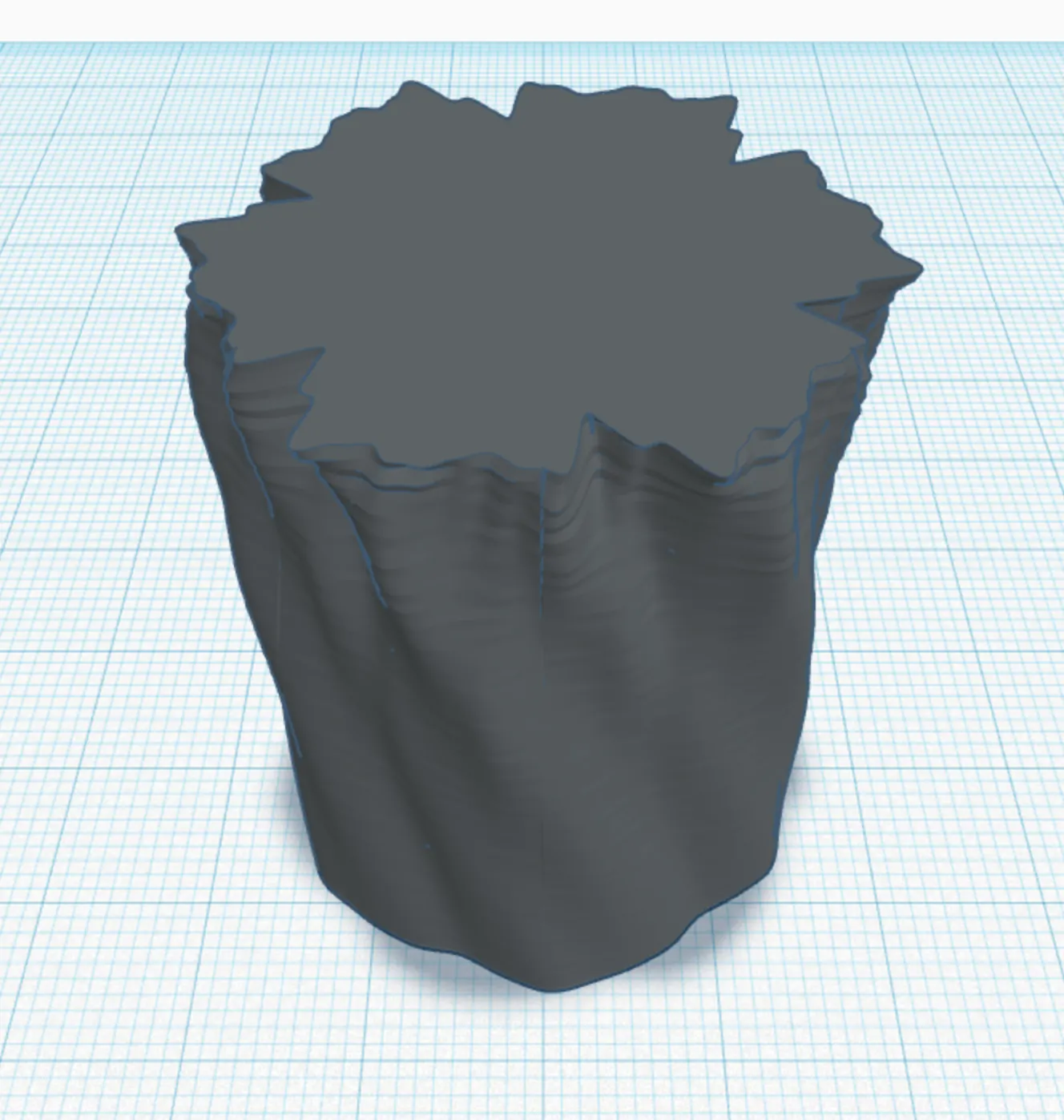
- Mesh generation — builds a vertex array in cylindrical coordinates where each vertex's radius = base radius + amplitude displacement. Connects vertices into triangular faces, caps the top and bottom, and saves as an STL.
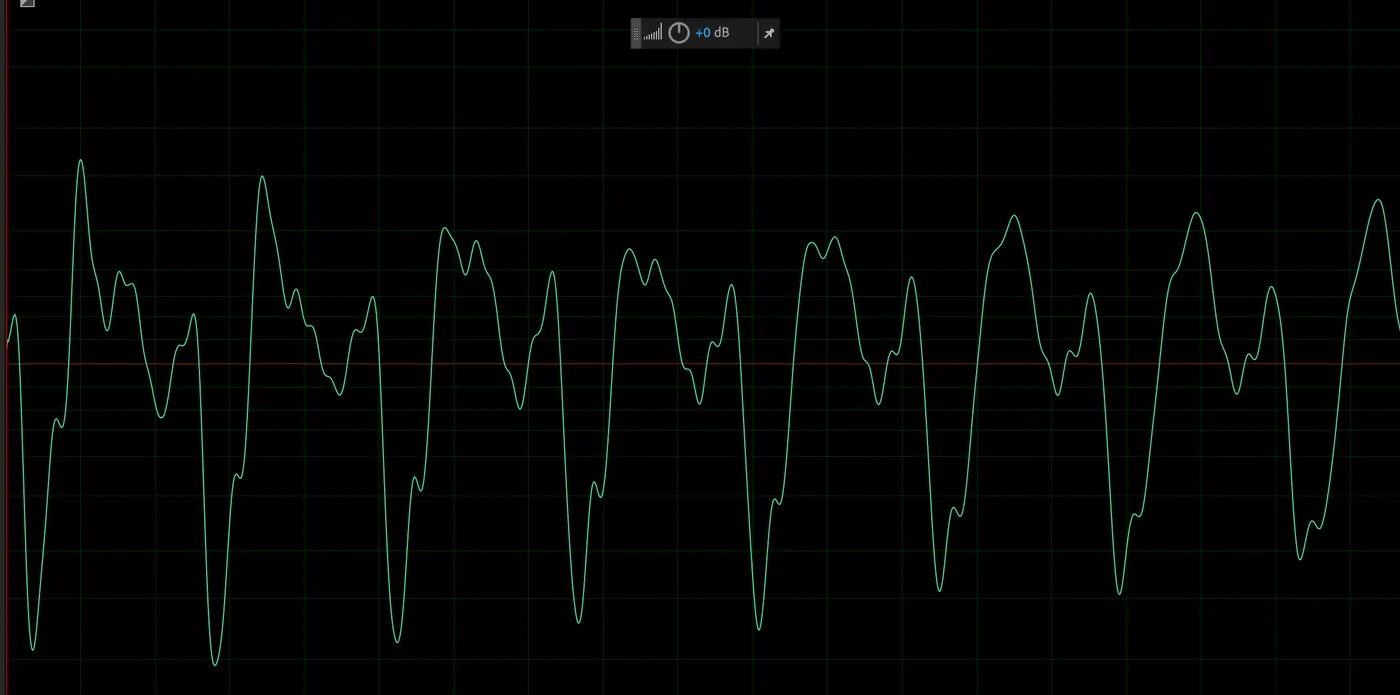
The resulting shape has one audio cycle per horizontal layer. A low-frequency sound with a slow waveform produces gentle, wide ridges; a high-frequency sound produces fine, tight texture.
Parameters
| Parameter | Effect |
|---|---|
| Height | Number of audio cycles (layers) |
| Radius | Base cylinder radius |
| Layer height | Vertical spacing between layers |
| Per revolution | Waveform repetitions per full rotation |
| Depth | Amplitude multiplier — controls how pronounced the surface texture is |
| Frequency | Base frequency for layer alignment; "auto" uses the FFT peak |
Stack
Backend (Final/app.py)
- Flask — routing, session management, file handling
- NumPy / SciPy — FFT and array math
- soundfile — WAV decoding
- numpy-stl — mesh construction and STL output
- Matplotlib — generates FFT and waveform graph images saved per user/file
- MySQL — stores user accounts and per-sculpture parameter history
Frontend (Final/static/js/scripts.js, functions.js)
- Three.js (via Skypack CDN) — loads and renders the STL in a WebGL canvas
- STLLoader + OrbitControls — interactive orbit/zoom of the generated model
- Vanilla JS — form handling and UI state
Templates (Final/templates/)
- Jinja2 HTML templates for login, home, and logout pages
User flow
- Log in with an email/password or continue as guest. New email addresses auto-create an account.
- Upload a WAV file and set parameters, or use a saved sculpture from a previous session.
- The server generates the STL and four graph images (FFT 0–20 kHz, FFT 0–500 Hz, full waveform, single cycle).
- The browser renders the STL in a Three.js viewer. Adjust parameters and regenerate in place.
- Download the STL for 3D printing.
Guest sessions store parameters in the Flask session only; logged-in users persist sculptures to MySQL and can switch between past uploads.
Physical output
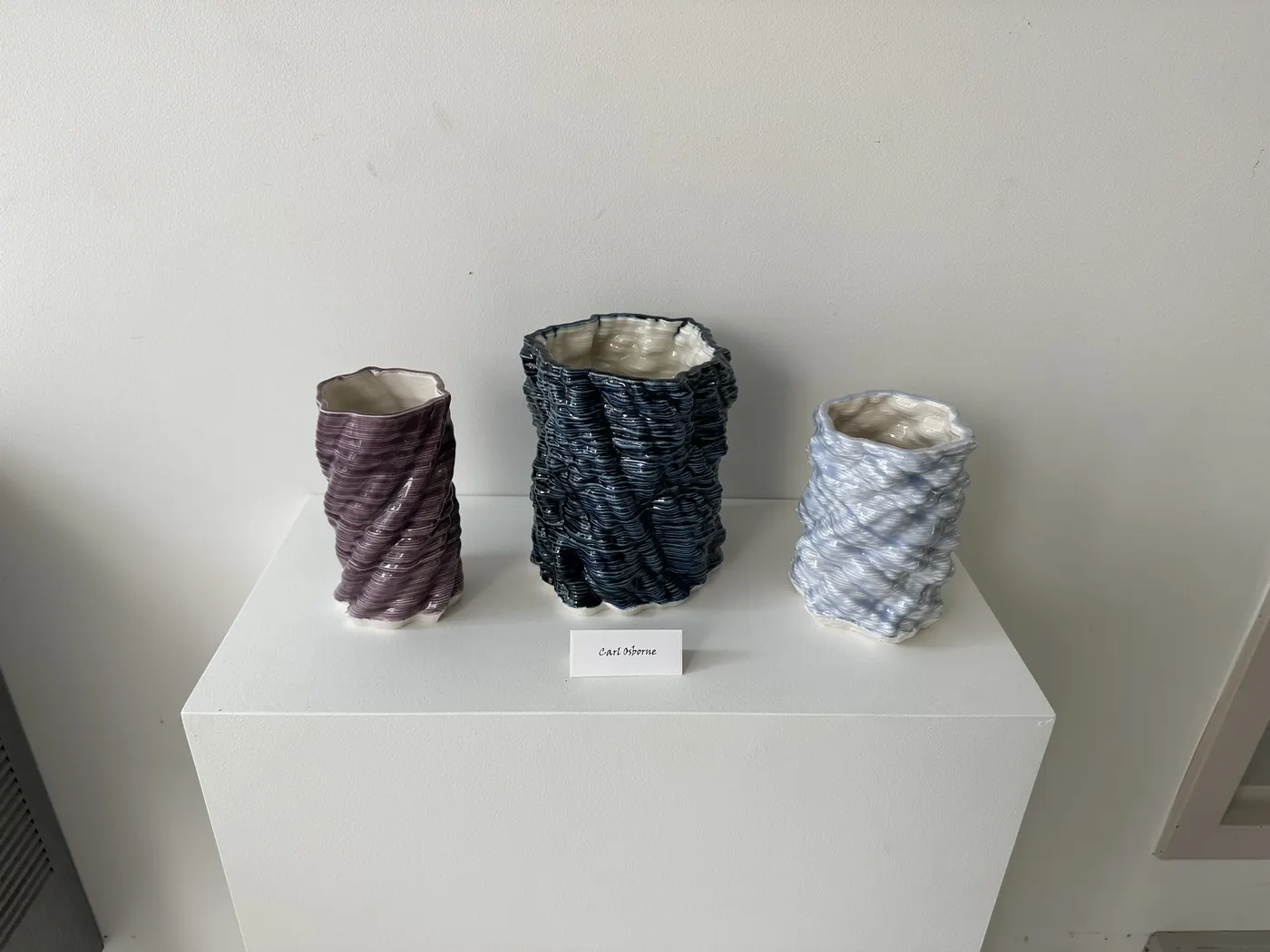
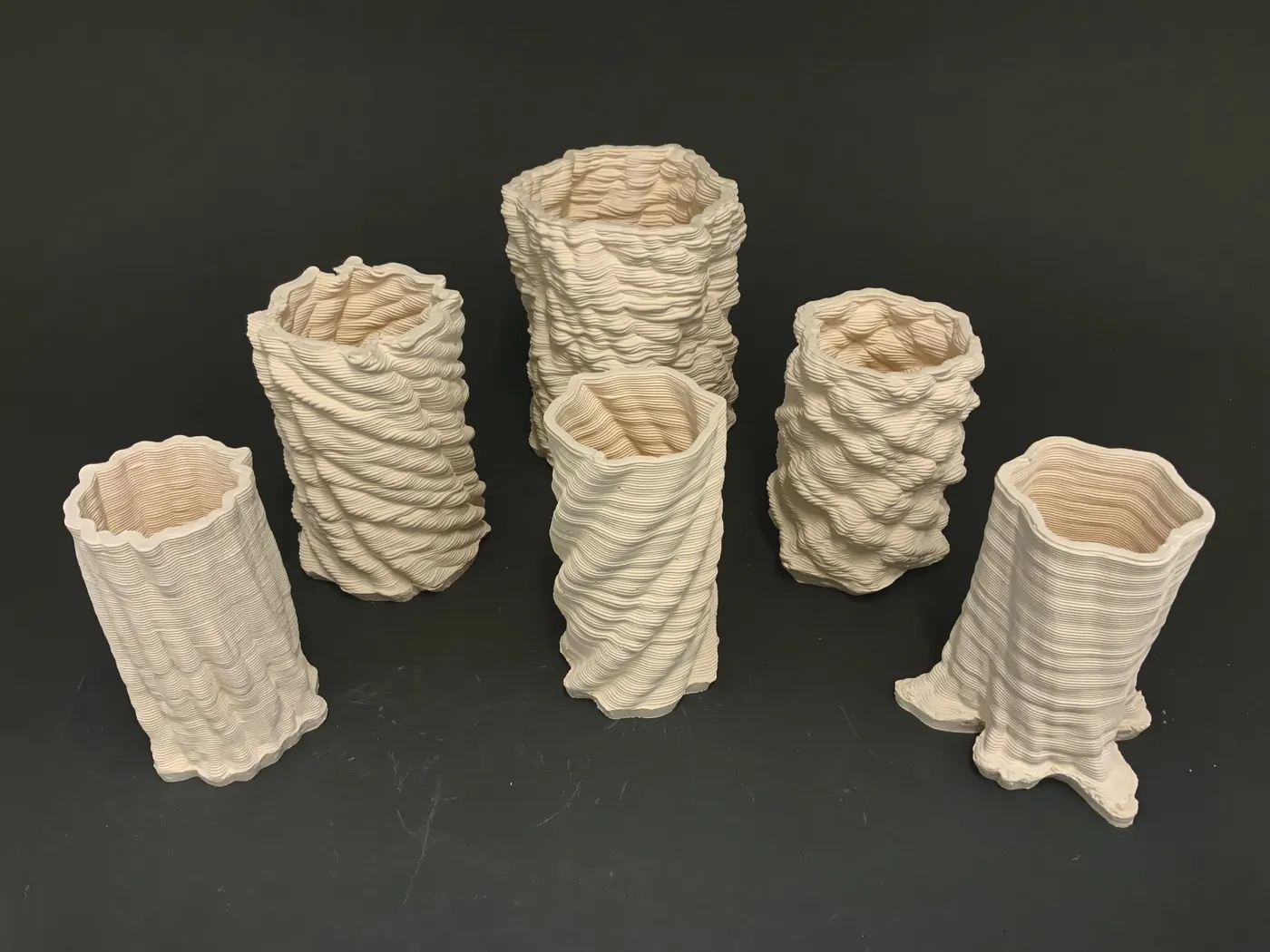
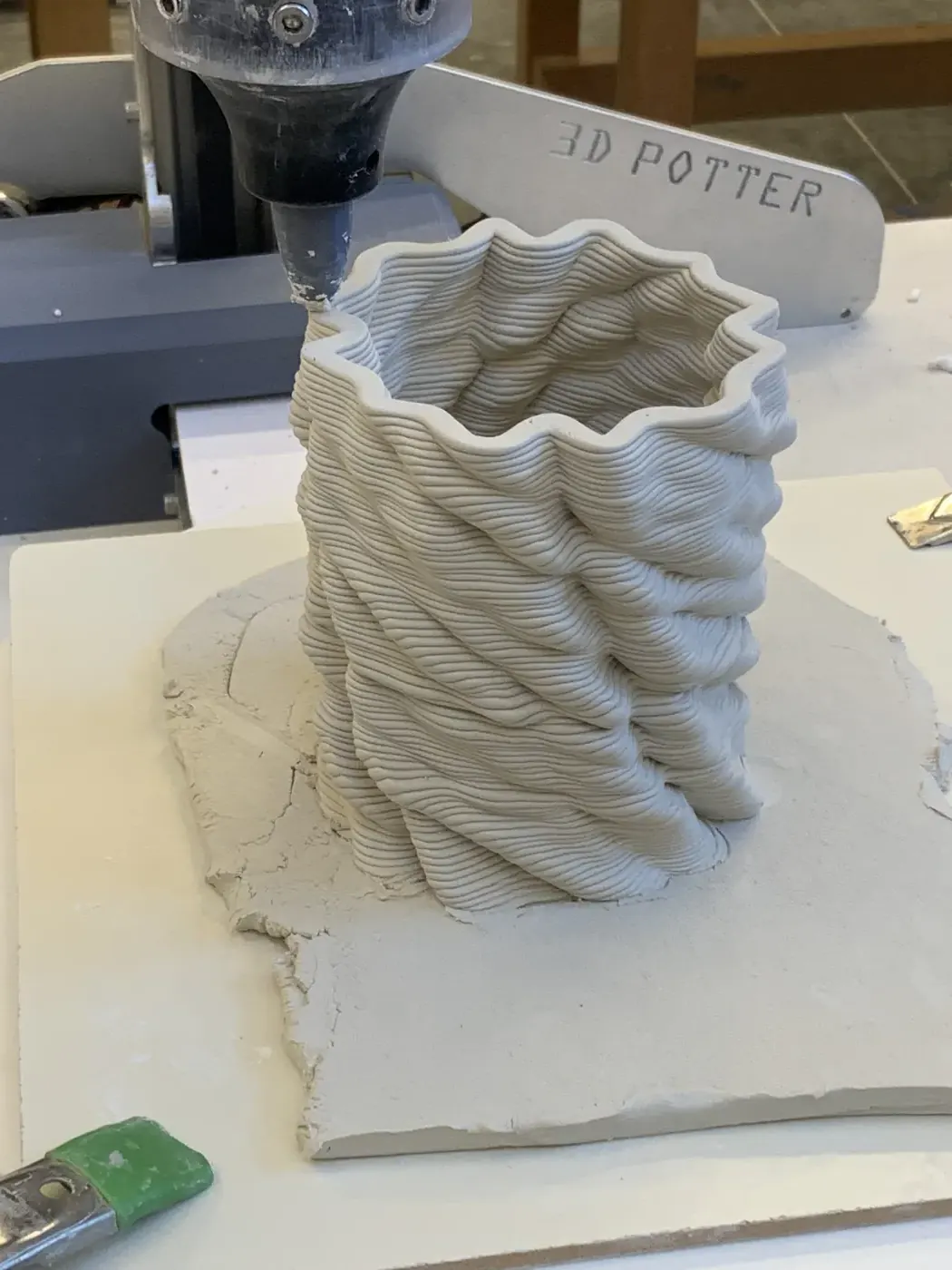
STL files were printed in porcelain and glazed using standard ceramic techniques.
License
MIT — see LICENSE.